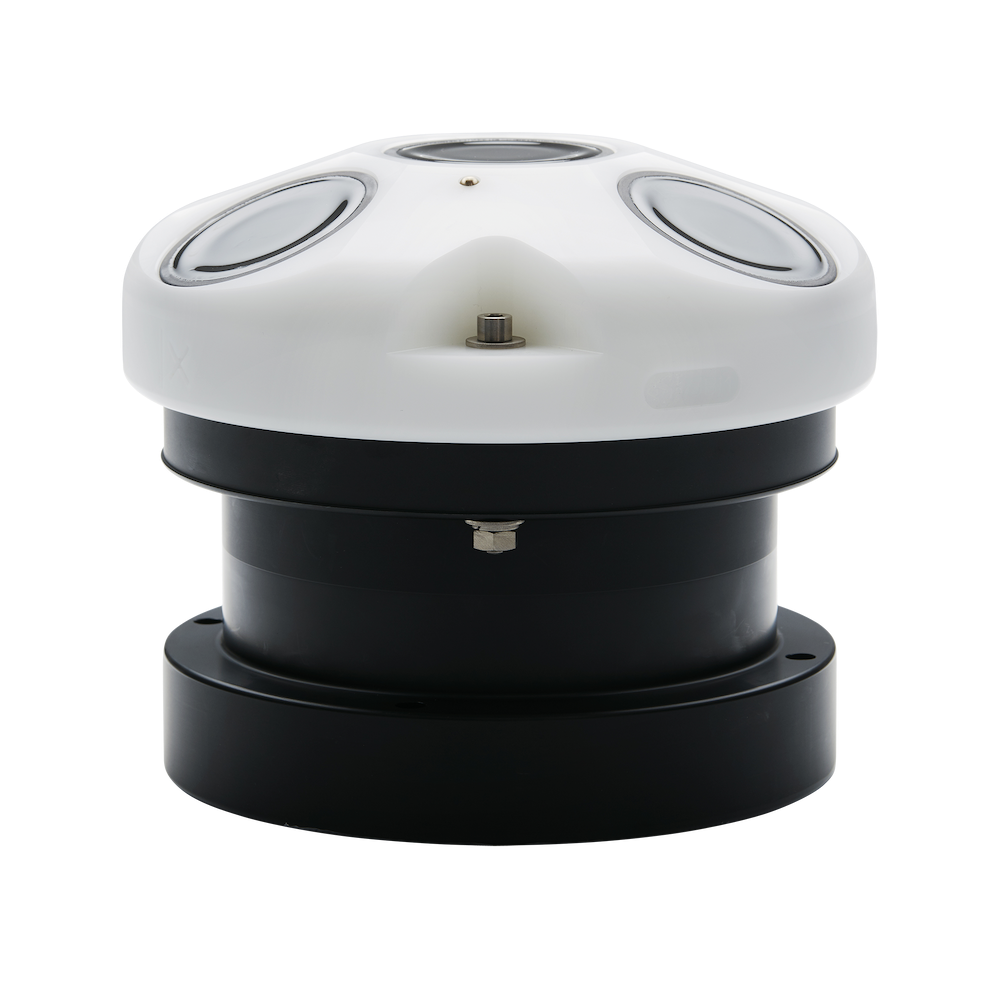
AWAC - 1 MHz
Real-time current profiles and directional waves for shallow water
Features:
- Currents
- Waves
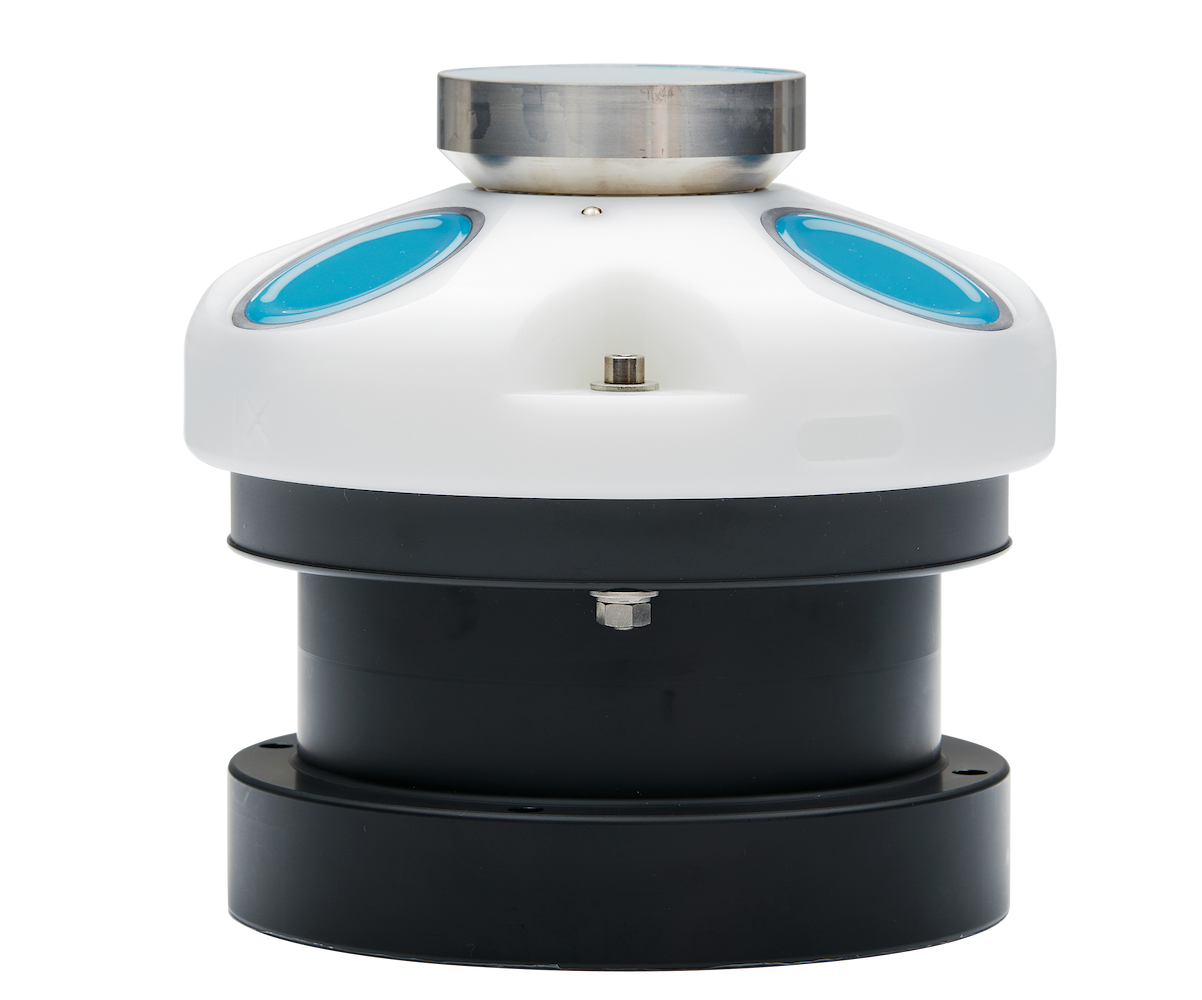
AWAC - 600 kHz
Real-time current profiles and directional waves for intermediate water
Features:
- Currents
- Waves
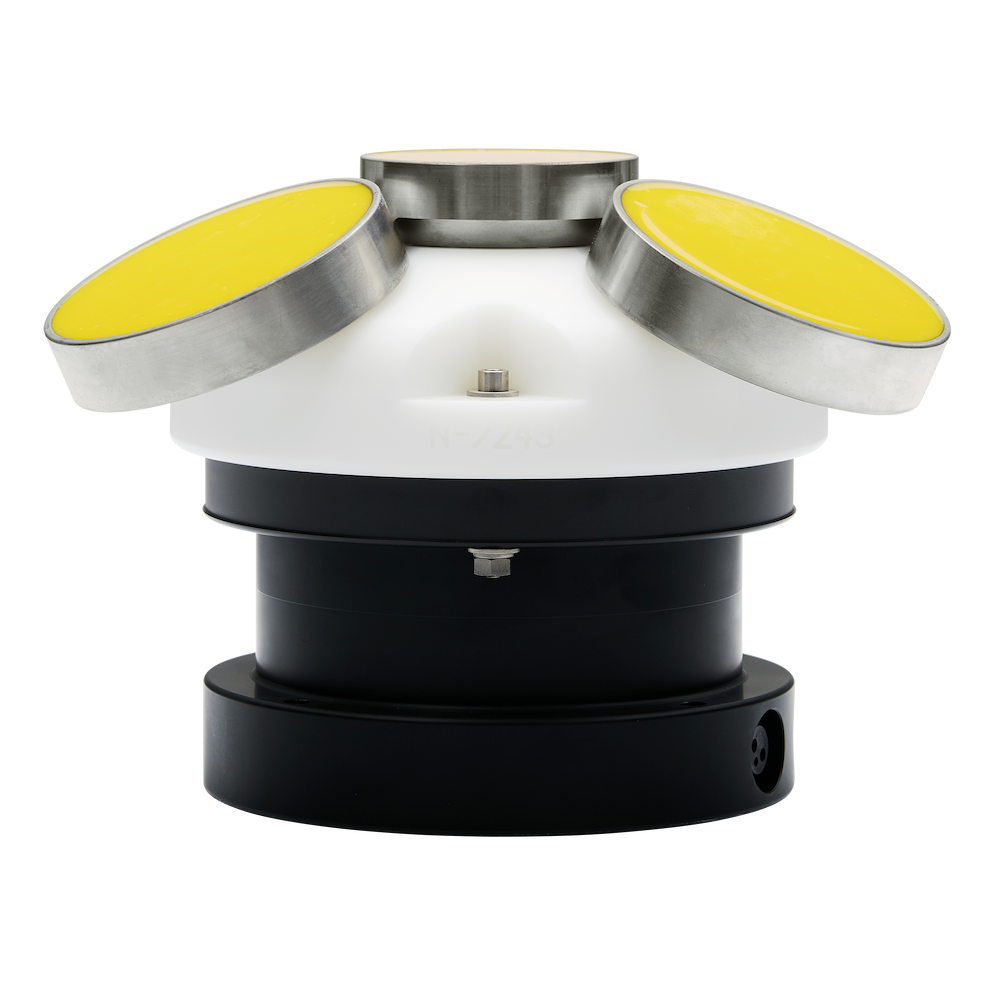
AWAC - 400 kHz
Real-time current profiles and directional waves with up to 100 m range
Features:
- Currents
- Waves
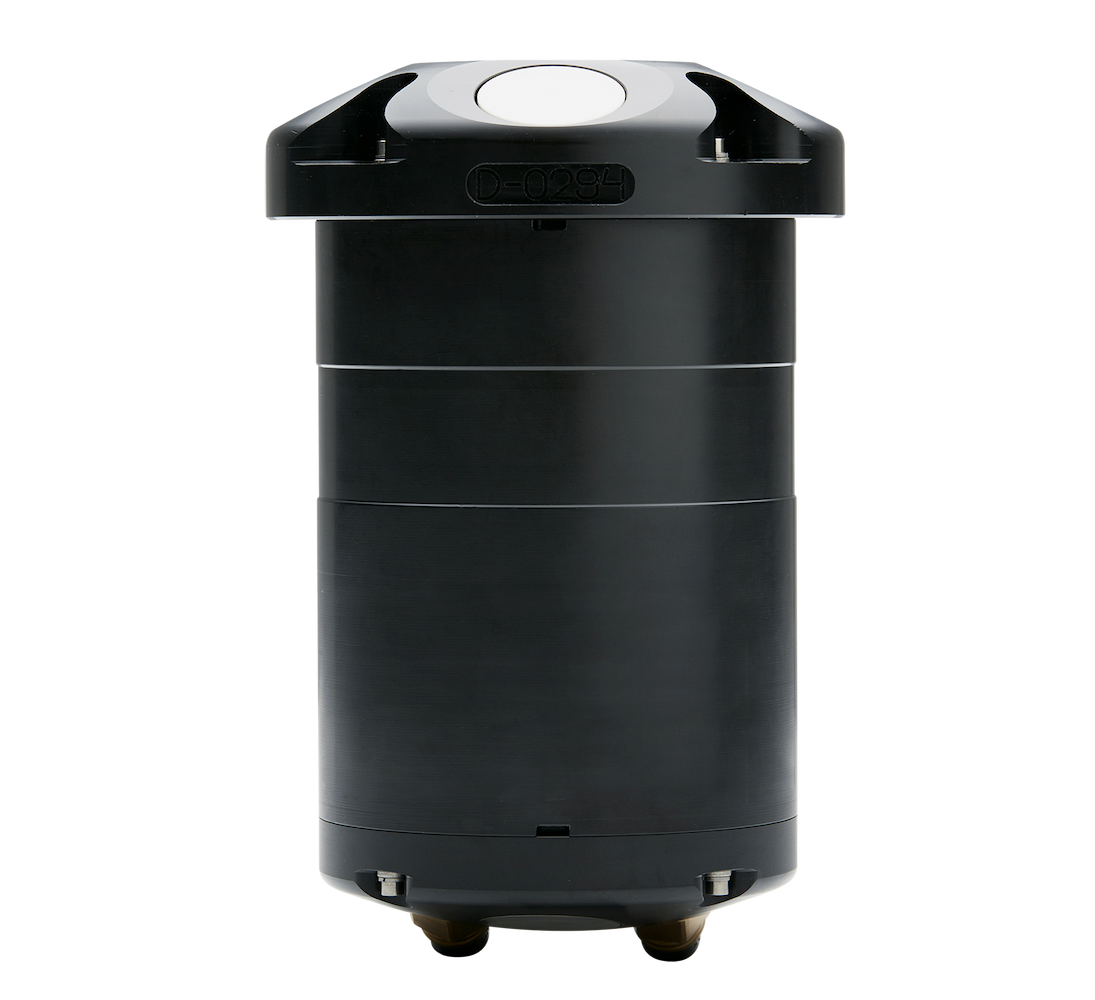
Signature1000
High-performance mean currents and turbulence, wave height and direction
Features:
- Currents
- Turbulence
- Waves
- Echosounder
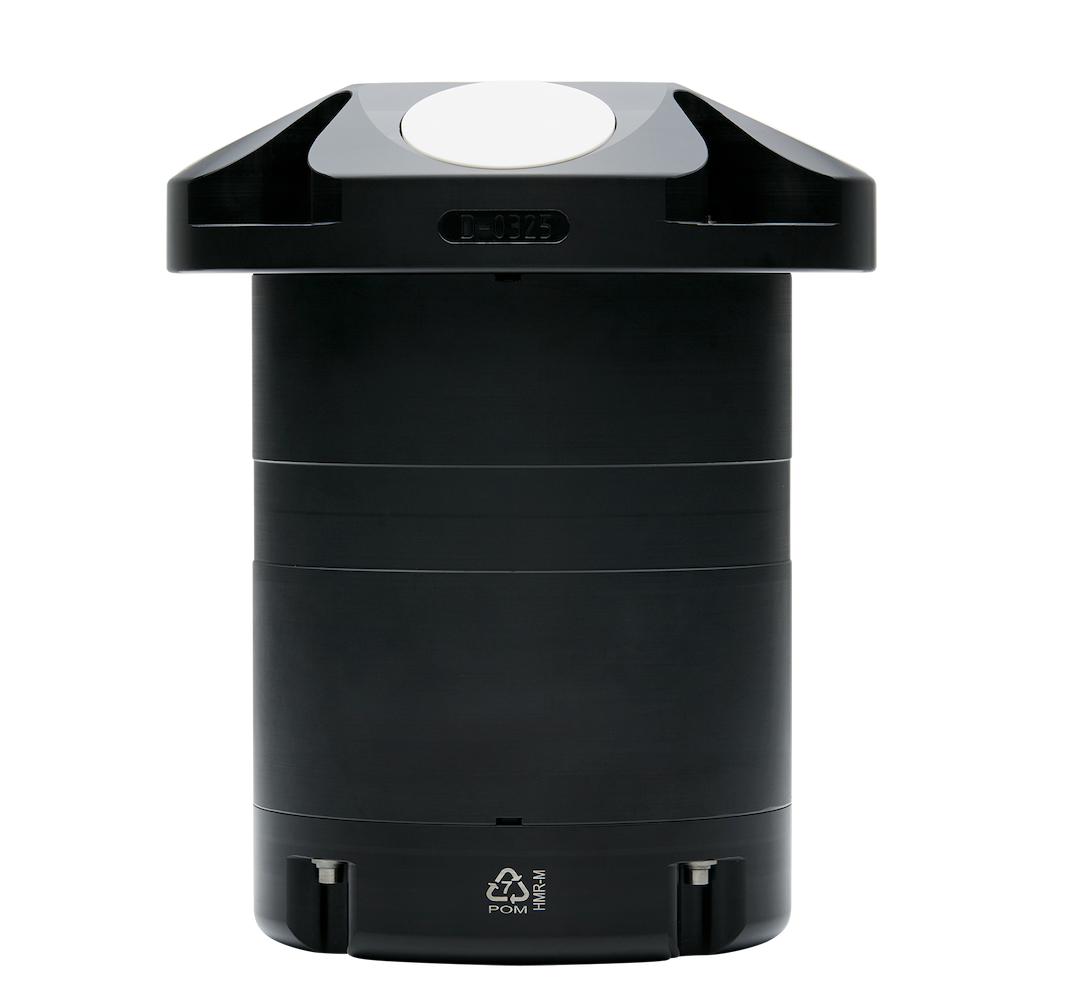
Signature500
Mean currents and turbulence, plus wave height, direction and ice tracking
Features:
- Currents
- Turbulence
- Waves
- Echosounder
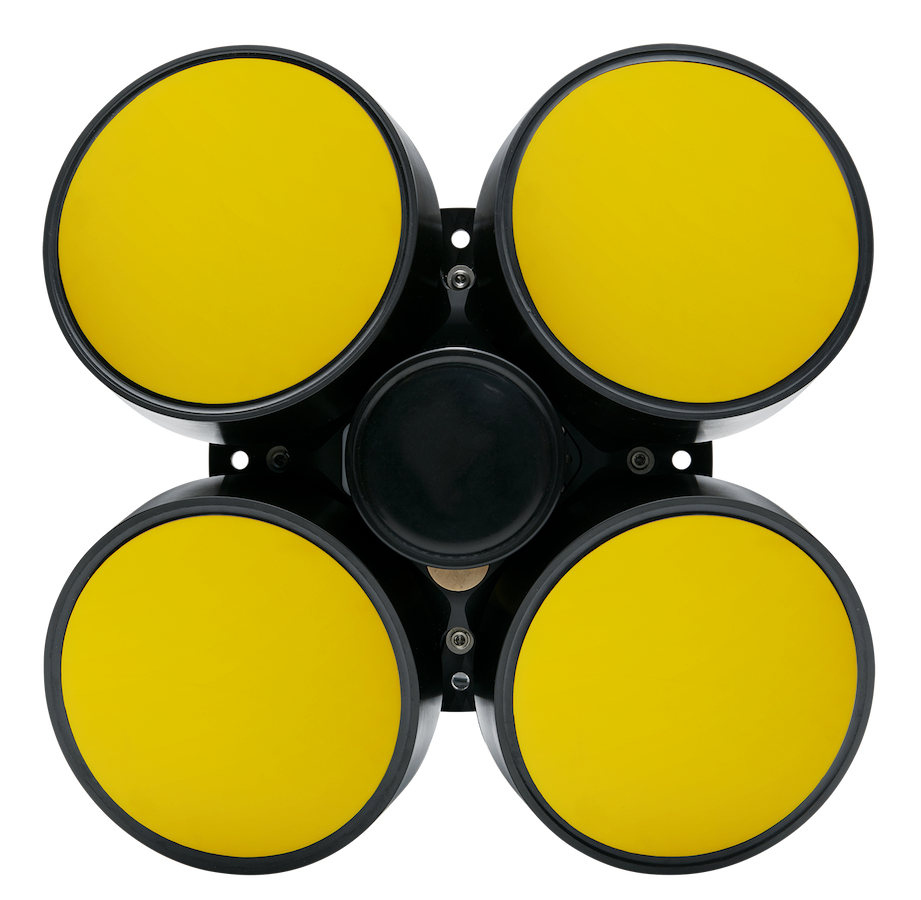
Signature250
Intermediate current profiling range that includes wave height/direction and ice tracking capability
Features:
- Currents
- Waves

Signature100
Long-range current profiler designed for combined current profile and biomass measurements
Features:
- Currents
- Echosounder
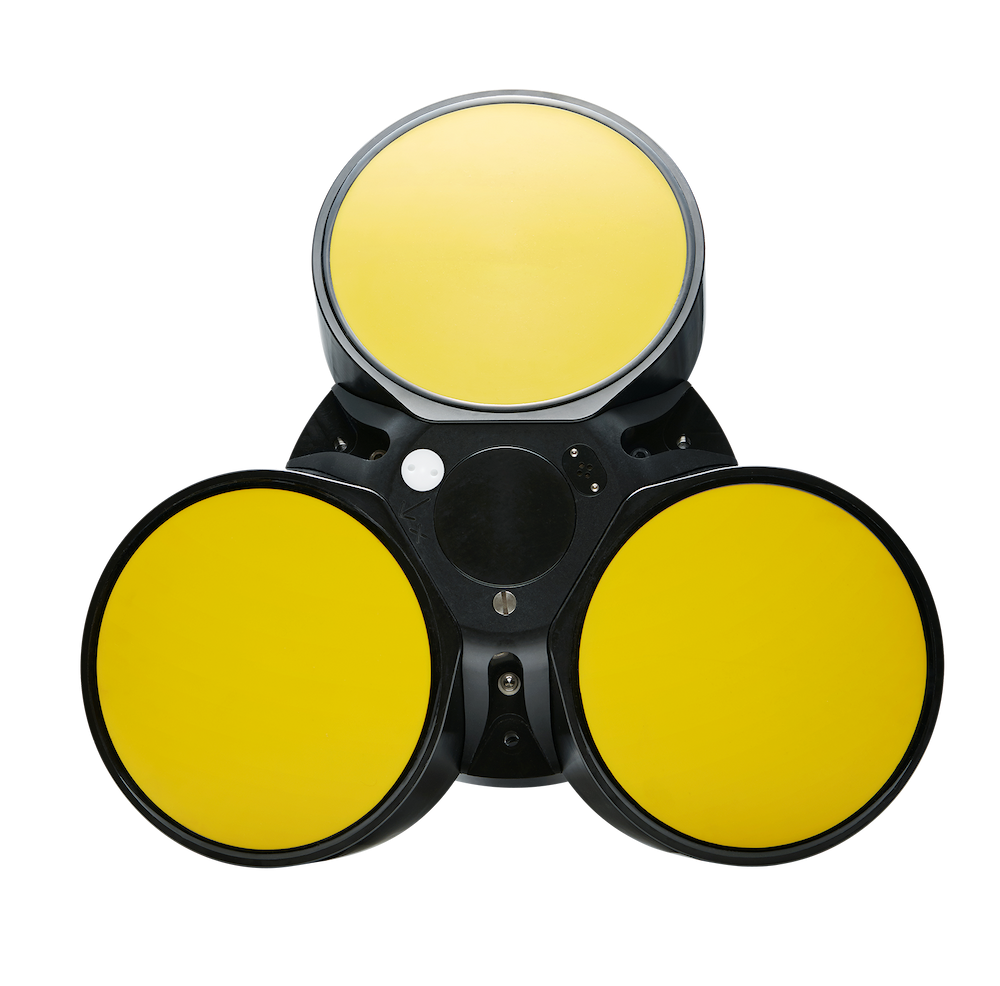
Signature55
> 1000 m current profiling range for stand-alone and online applications
Features:
- Currents
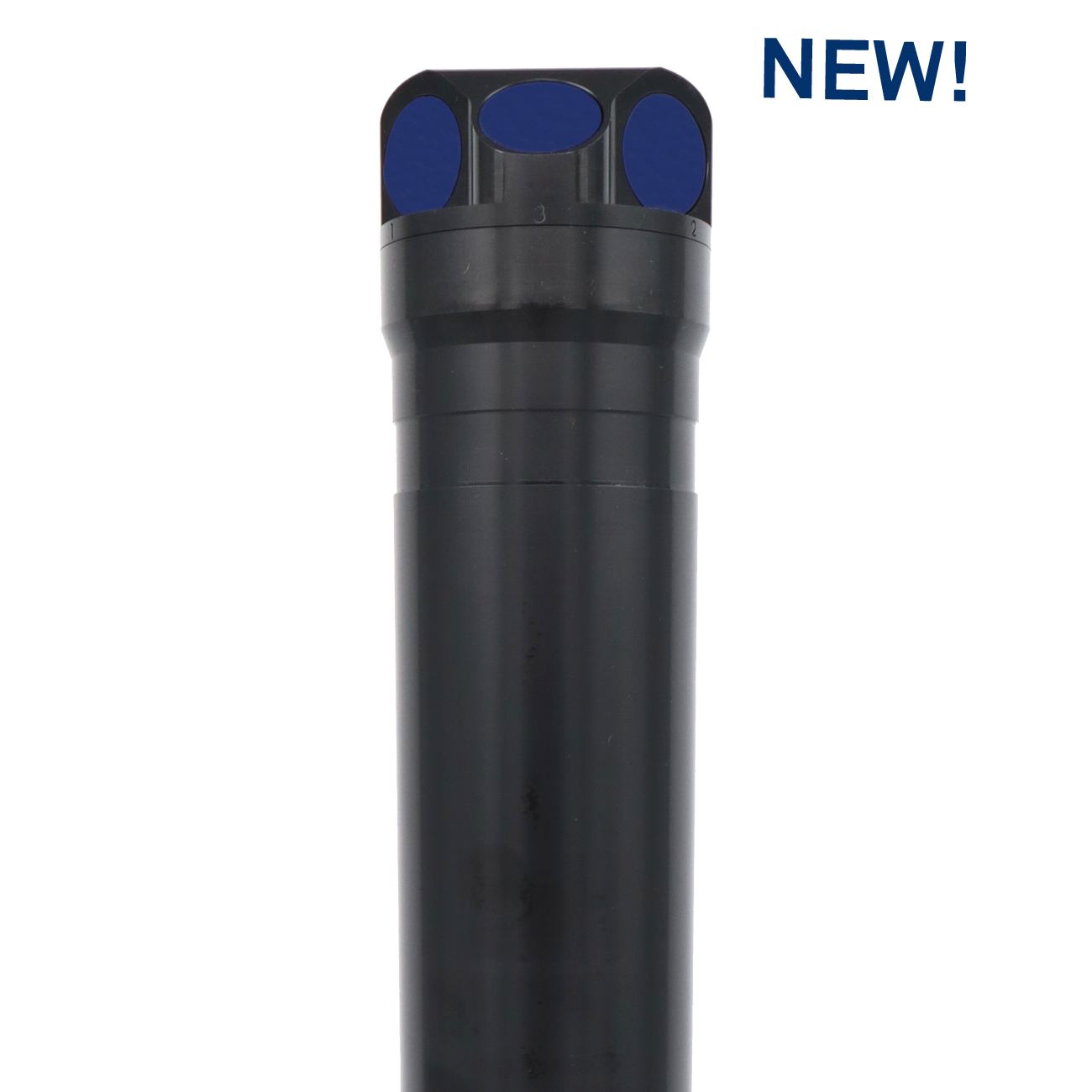
Aquadopp 2 - 500 m
Highly versatile single-point current meter with the option to perform PUV wave measurements
Features:
- Currents
- Waves
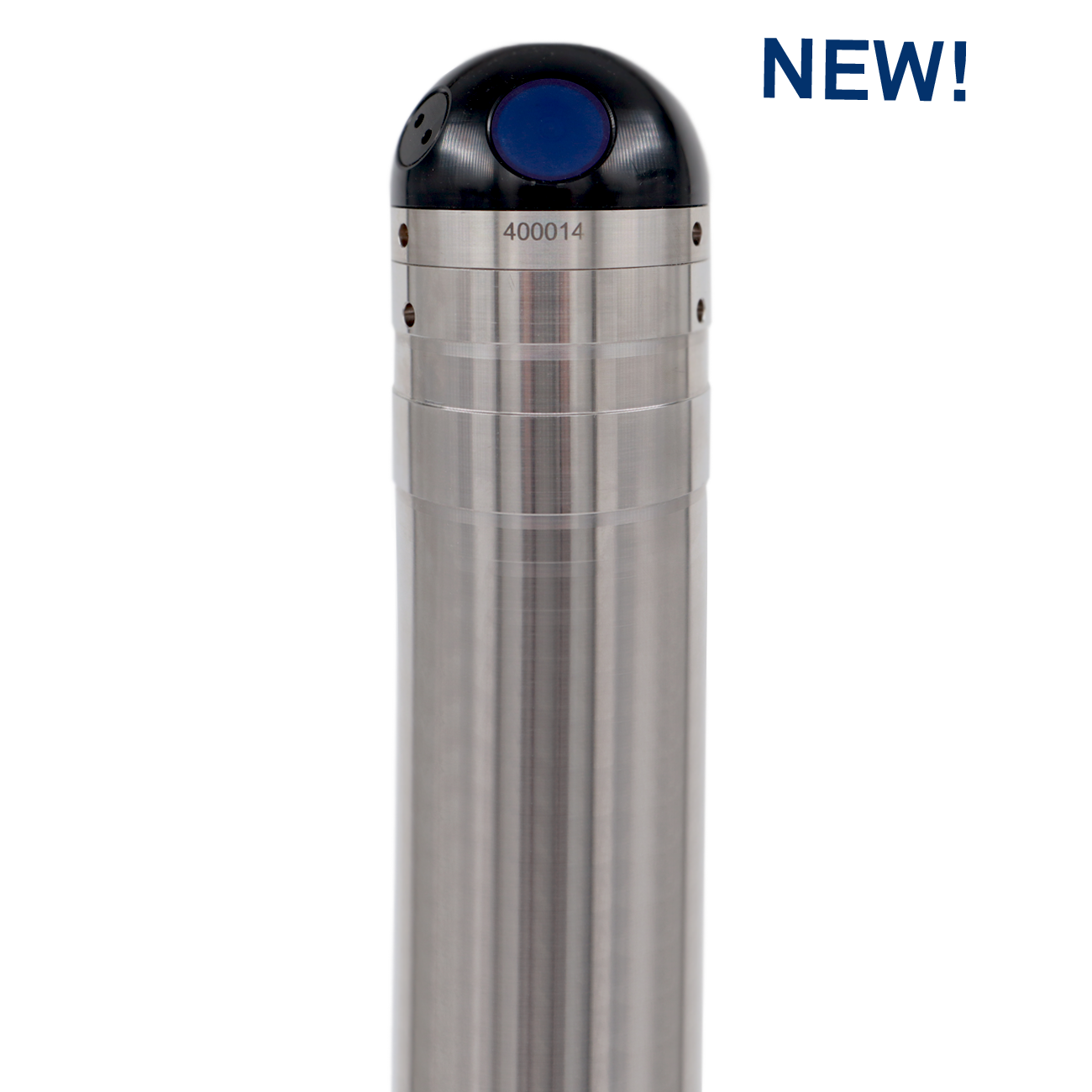
Aquadopp 2 - 6000 m
High-performance full ocean depth, single-point current meter with titanium housing
Features:
- Currents
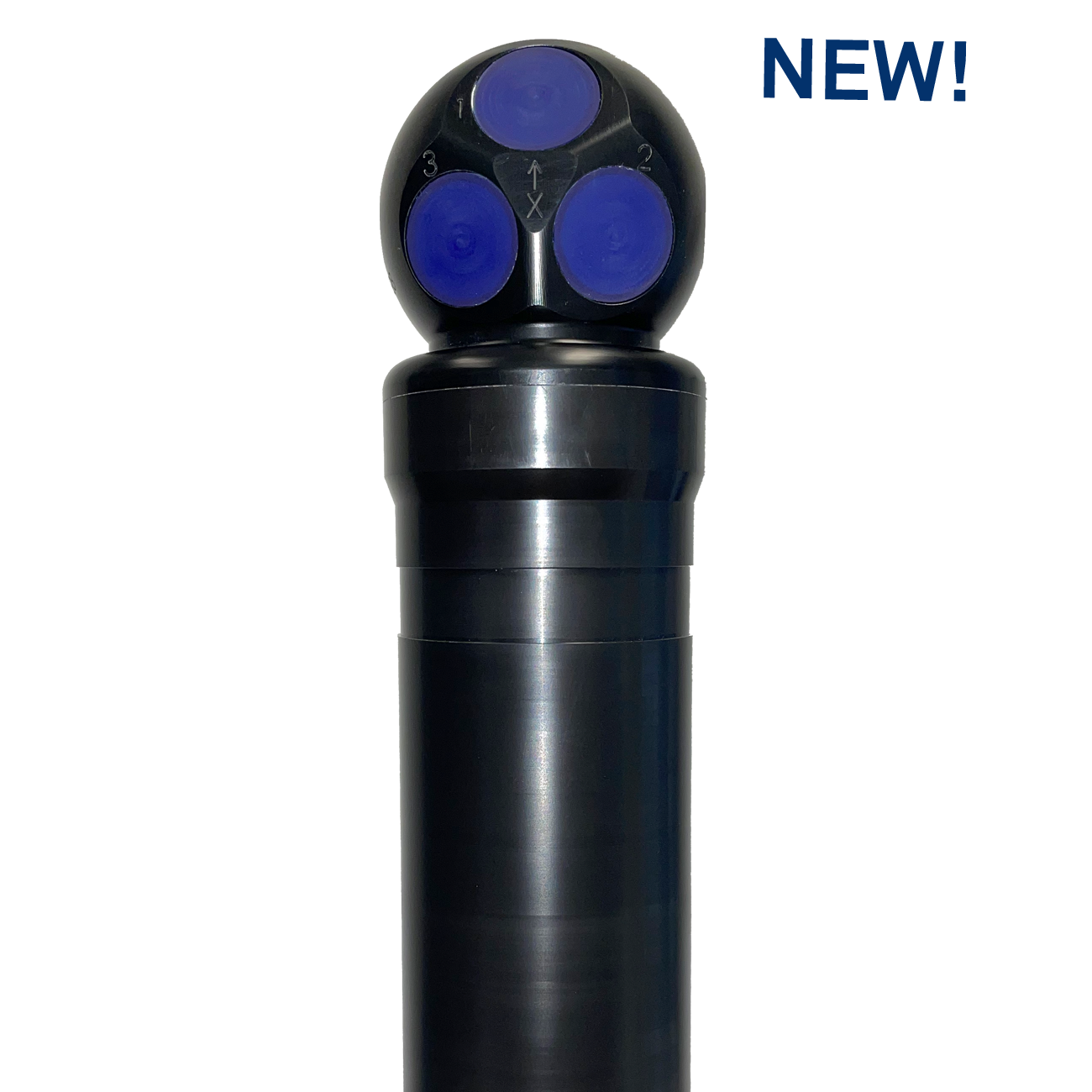
Aquadopp Profiler 2 - 2 MHz
Small and compact, short-range current profiling; option for PUV wave measurements
Features:
- Currents
- Waves
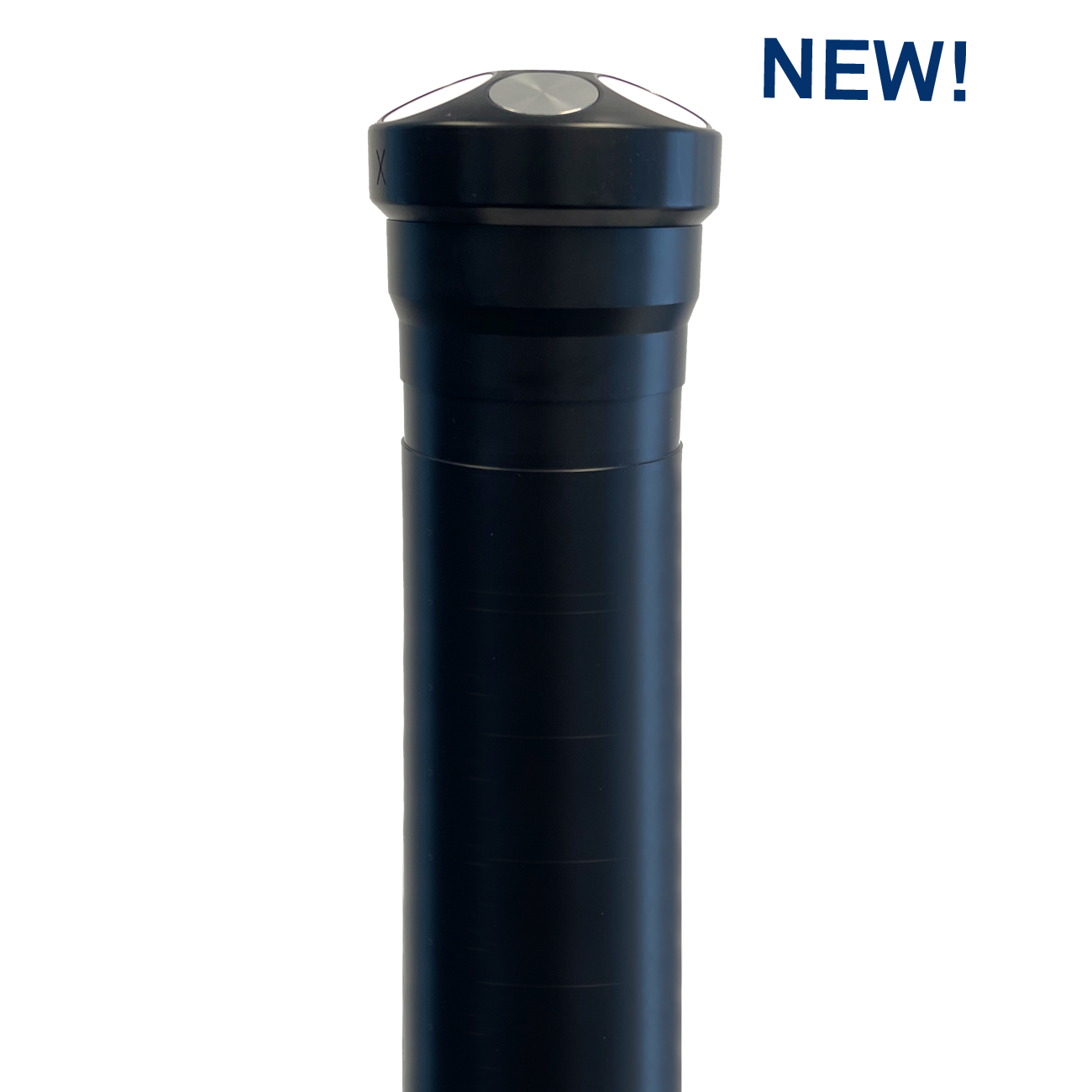
Aquadopp Profiler 2 - 1 MHz
Small and compact, with up to 25 m current profiling range; option for PUV wave measurements
Features:
- Currents
- Waves
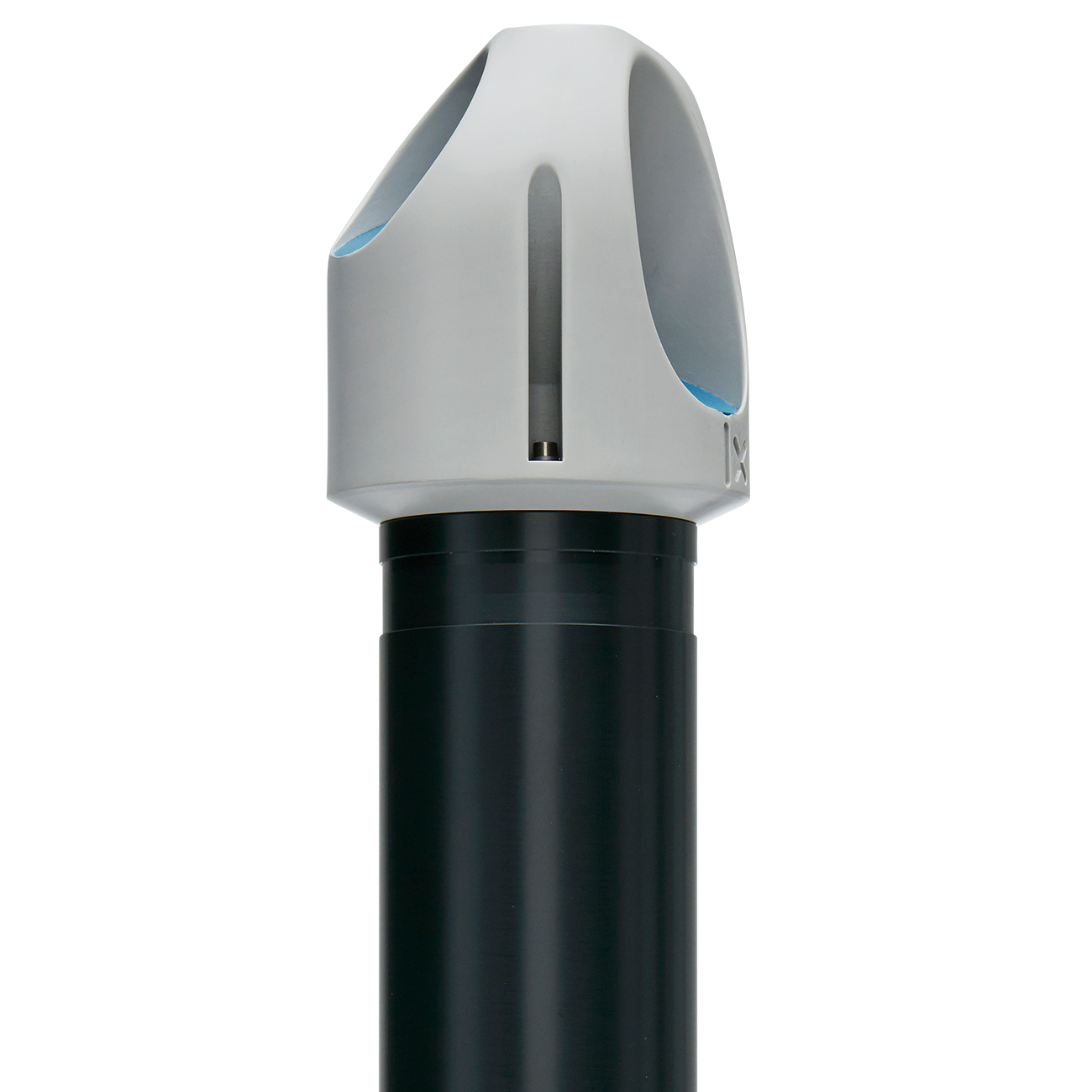
Aquadopp Profiler - 600 kHz
Up to 40 m current profiling range; easy to operate and deploy
Features:
- Currents
Aquadopp Profiler 2 - 400 kHz
Up to 90 m current profiling range; ideal for mean current measurements
Features:
- Currents
Aquadopp Profiler Z-Cell 2 - 1 MHz
Up to 25 m current profiling range and no blanking; can measure near-surface or near-bottom currents
Features:
- Currents
- Waves